The Forum is the area of the Community where participants, moderators, and administrators can interact through posts, comments, and reactions.
This feature is used to promote discussions, engagement, and the exchange of opinions, complementing the Community activities.
Index
- Accessing the Forum
- Community Posts
- Create a Post
- Post Information
- Forum Interactions
- Comment Editing
- Interaction Count
Accessing the Forum
The Forum can be accessed through the “Forum” menu available on the platform sidebar.
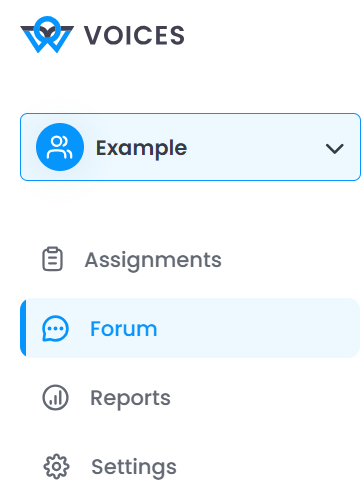
In this area, it is possible to view:
- community posts
- comments made
- interactions between participants

Community Posts
Posts are the content created within the Forum to start discussions.
Each post may contain:
- title

- descriptive text

- media (when applicable)

Posts are organized on the side and can be selected for viewing.
Create a Post
Administrators and Moderators can create new posts in the Forum.
To do this:
1. Access the Forum menu
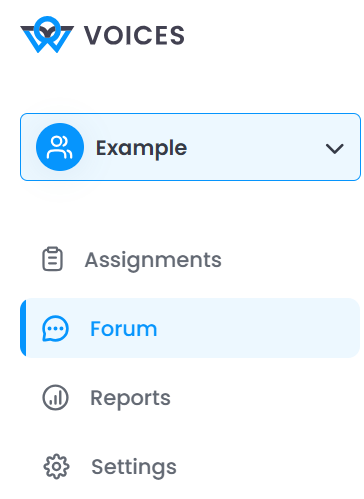
2. Click “Create post”

3. Fill in the post information
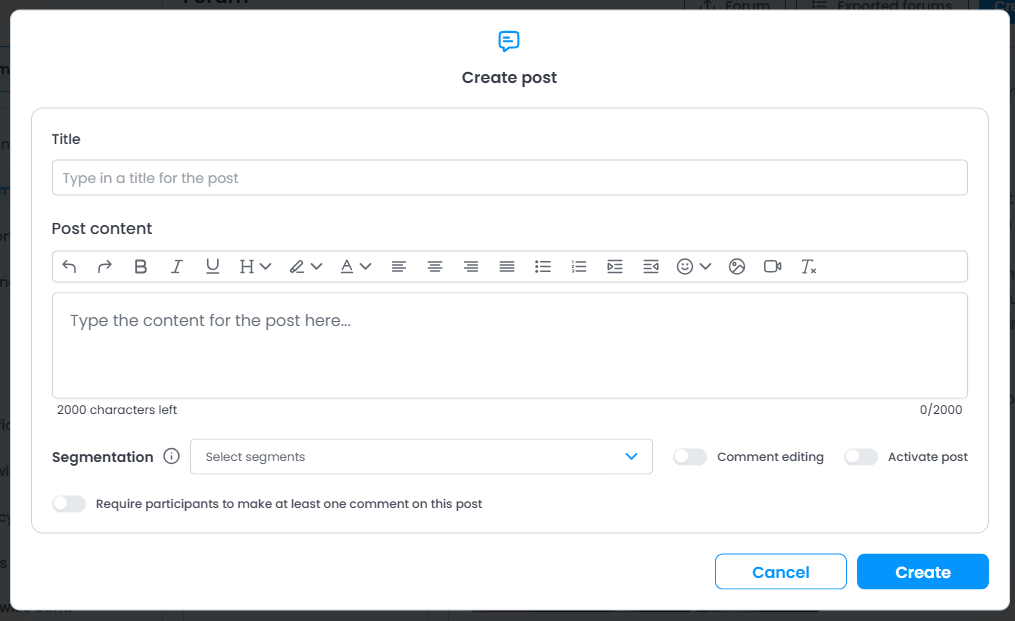
4. Click “Create”

Post Information
When creating a post, the following fields will be available:
Title
Defines the main topic of the post.

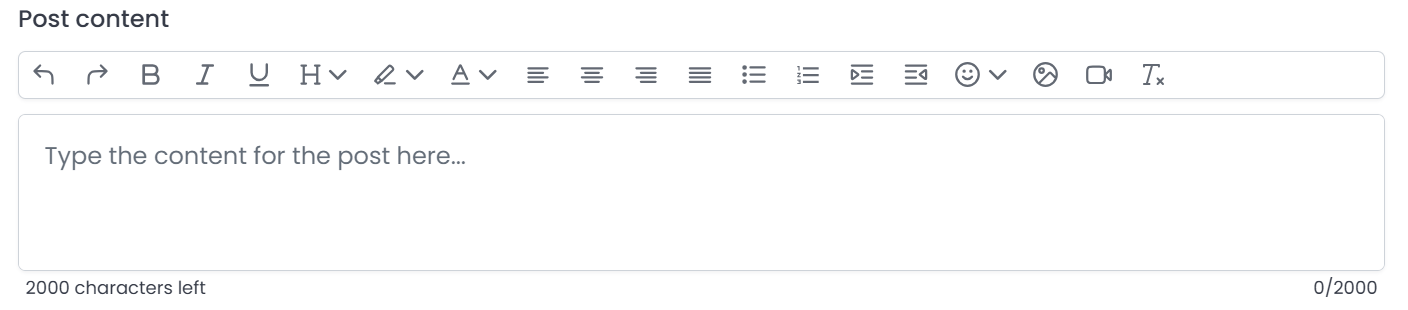
Post Content
Space to enter the post text.
It is possible to use formatting and add visual elements.
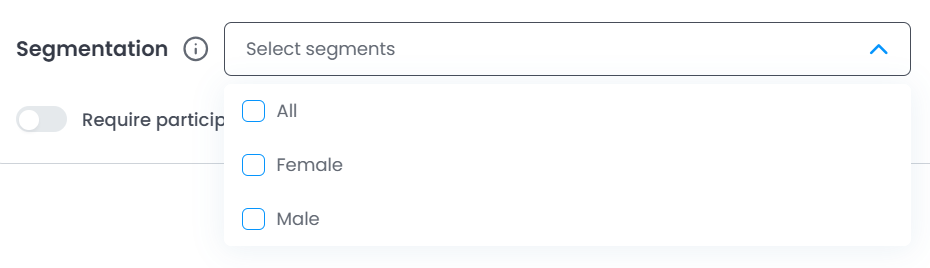
Segmentation
Allows defining which participants will be able to view the post.
Comment Editing
Allows controlling whether participants can edit their own comments.

Activate Post
Defines whether the post will be visible immediately after creation.

Require Comment
Allows requiring participants to leave at least one comment on the post.

Forum Interactions
Users can interact with posts in different ways:
Comments
Participants can reply to posts through comments.

Each comment has a character limit and can be submitted directly in the field:
“Add a comment”

Reactions
It is possible to react to posts and comments using icons, such as:
- Like

- Other reactions

These interactions help measure participant engagement.
Comment Editing
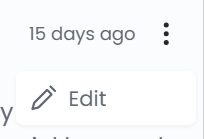
If the feature is enabled, participants will be able to edit their own comments after submission.
Interaction Count
Each post displays:
- number of comments
- reactions received

This makes it easier to track Community engagement.
Was this article helpful?
That’s Great!
Thank you for your feedback
Sorry! We couldn't be helpful
Thank you for your feedback
Feedback sent
We appreciate your effort and will try to fix the article