There are four access types on the platform: Administrator, Moderator, Observer and Participant. Each profile has specific permissions and responsibilities within the community. Below, you will learn more about the Observer role.
Contents
Observer
The Observer access is meant for people who need to follow what happens in the community without interacting with participants or creating and editing the study. The Observer has view-only access.
Observer accounts are created by a community Administrator. See how in Add and Manage Operators and learn more about the first access for Operators.
Observer menu
In the side menu, the Observer finds Assignments and Forum (Community), Reports and Statistics (Analysis) and Participants (Management). The “See as a participant” option shows the community the way participants see it.
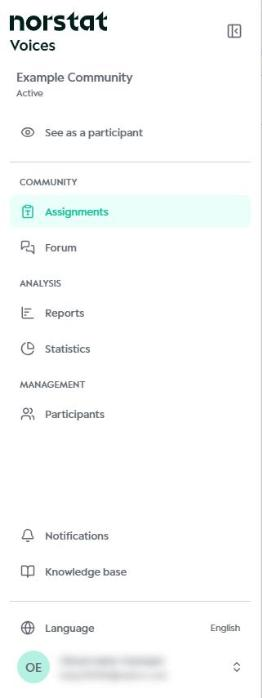
The Observer does not have access to the Settings menu.
Assignments
In Assignments, the Observer sees the list of community assignments and their periods, and can open the details by clicking “Manage”. Assignments can be filtered by segment, sorted and searched by name.

Forum
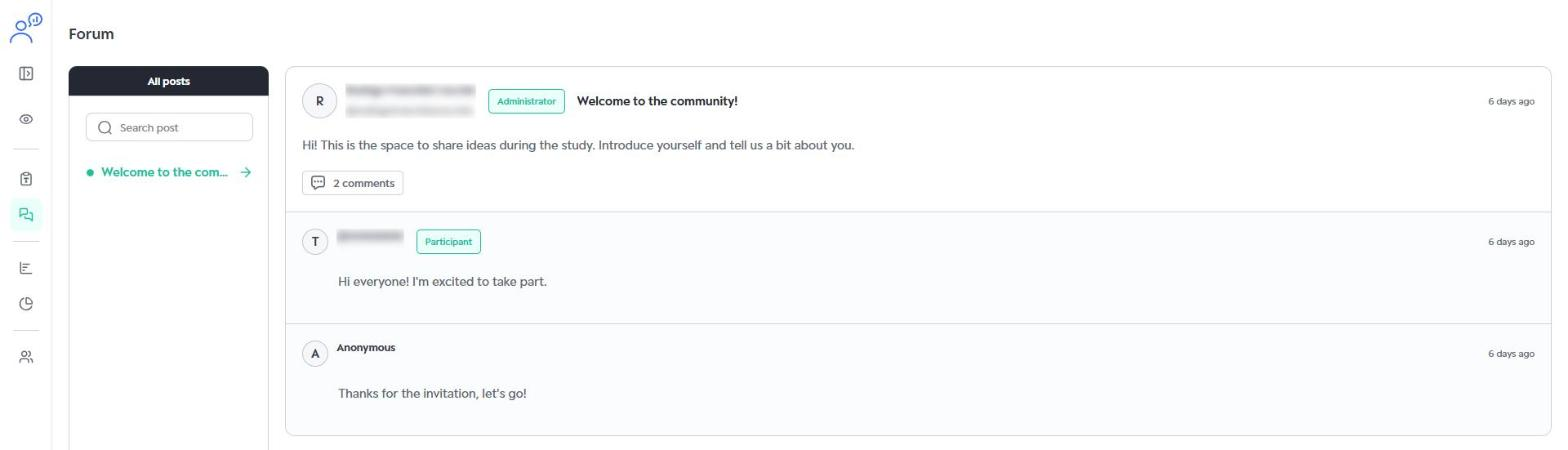
In the Forum, the Observer follows the community posts and comments. This access is read-only: it is not possible to post, comment or delete messages.
Reports
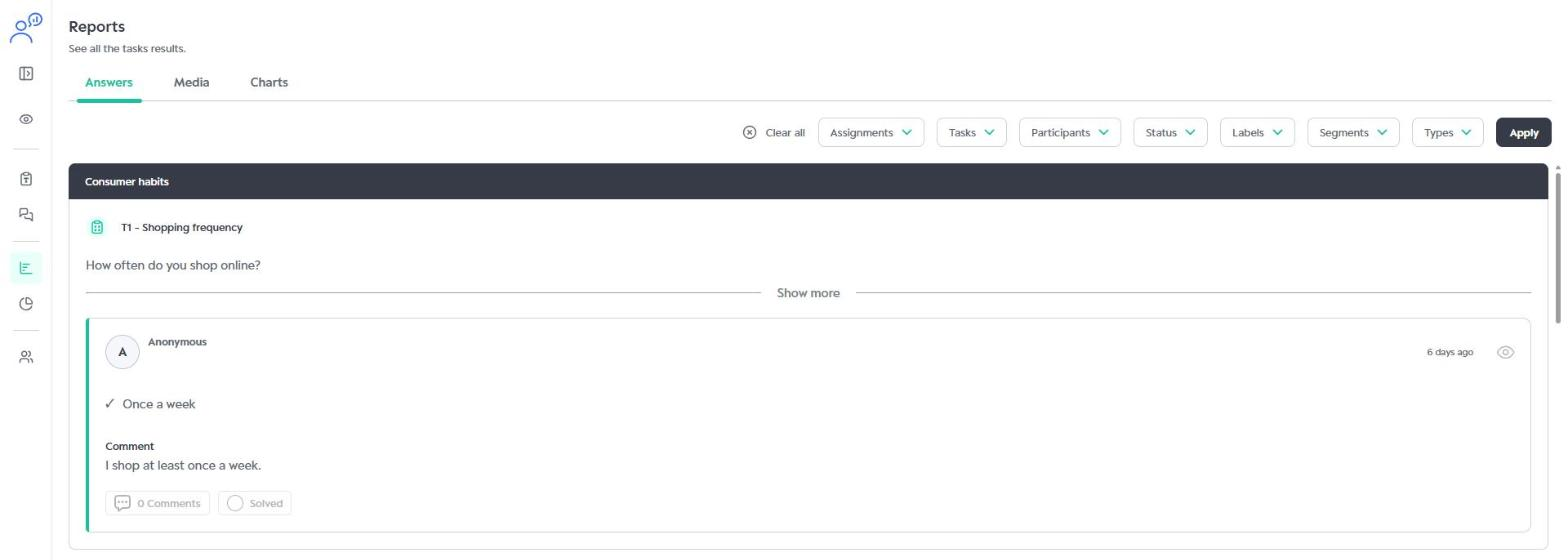
In Reports, the Observer reviews participant answers in the Answers, Media and Charts tabs, using filters by assignment, task, participant, status, label, segment and type.
Statistics
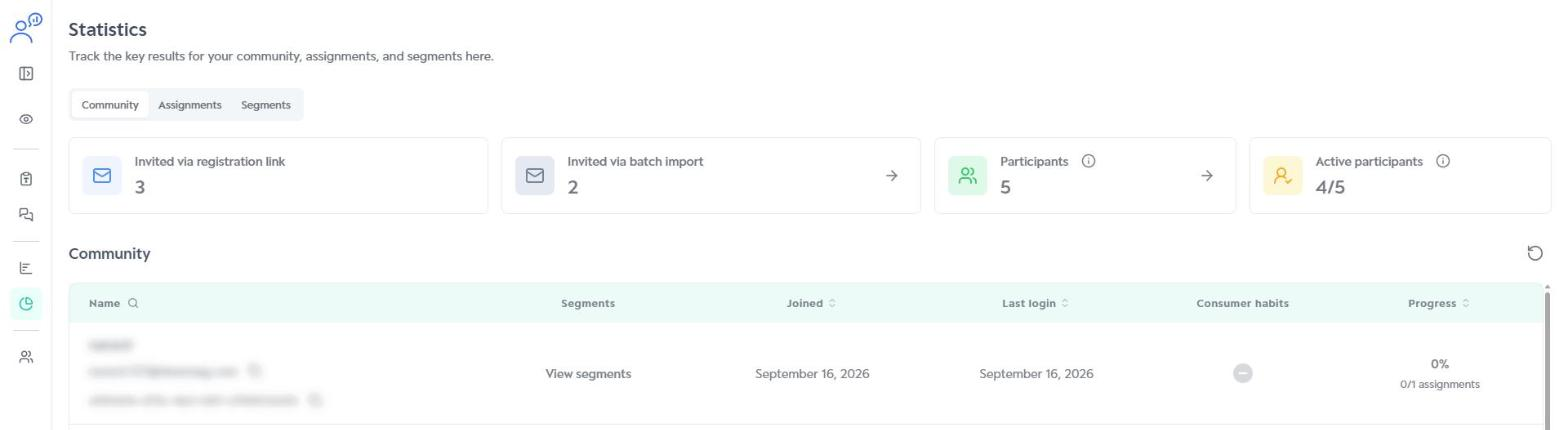
In Statistics, the Observer tracks the key numbers for the community, assignments and segments, such as invitations, active participants and each participant’s progress.
Participants
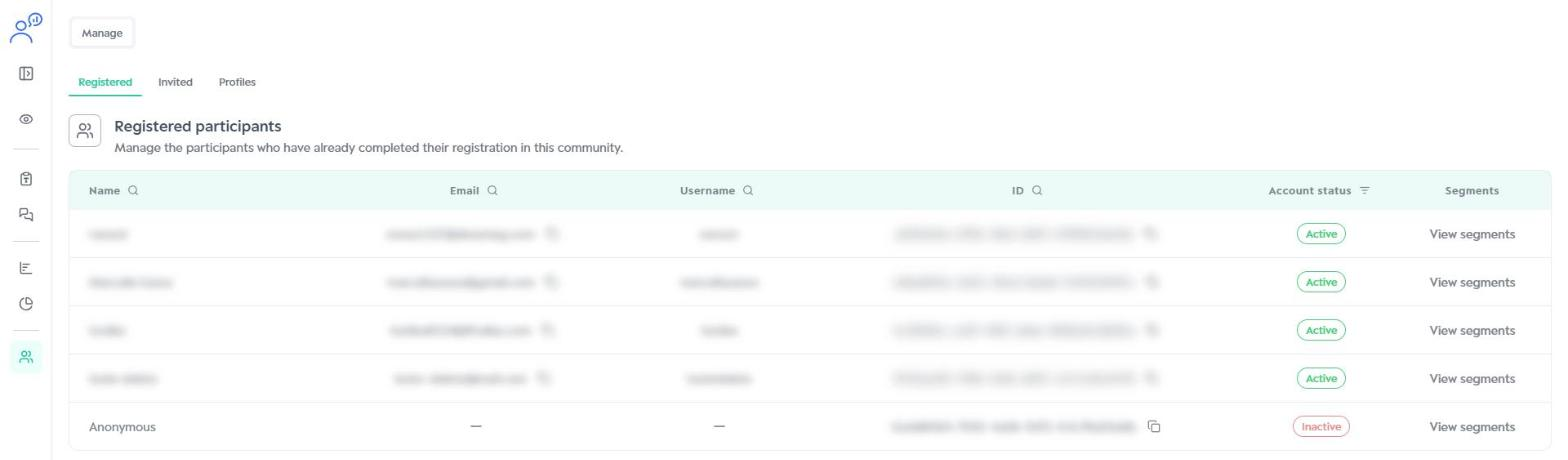
In Participants, the Observer views the community’s Registered and Invited participants and Profiles.
Was this article helpful?
That’s Great!
Thank you for your feedback
Sorry! We couldn't be helpful
Thank you for your feedback
Feedback sent
We appreciate your effort and will try to fix the article