Report is the area of the platform where administrators access the data collected from activities carried out by participants. In this space, all responses submitted in the community are gathered, allowing administrators to monitor, review, and export contributions made throughout the study.
The responses can include different types of content, such as text and media, and are organized in a single environment to facilitate consultation and analysis of the collected information.
Think of the Report tab as the place where activity results are gathered. While activities are the space where participants complete tasks, the Report area is where these responses can be viewed and analyzed afterward.
In the Reports and Analysis tab, participant responses can be viewed in different ways. Each type of visualization organizes the information in a specific manner, helping administrators navigate the collected data and better understand the contributions made in the activities.
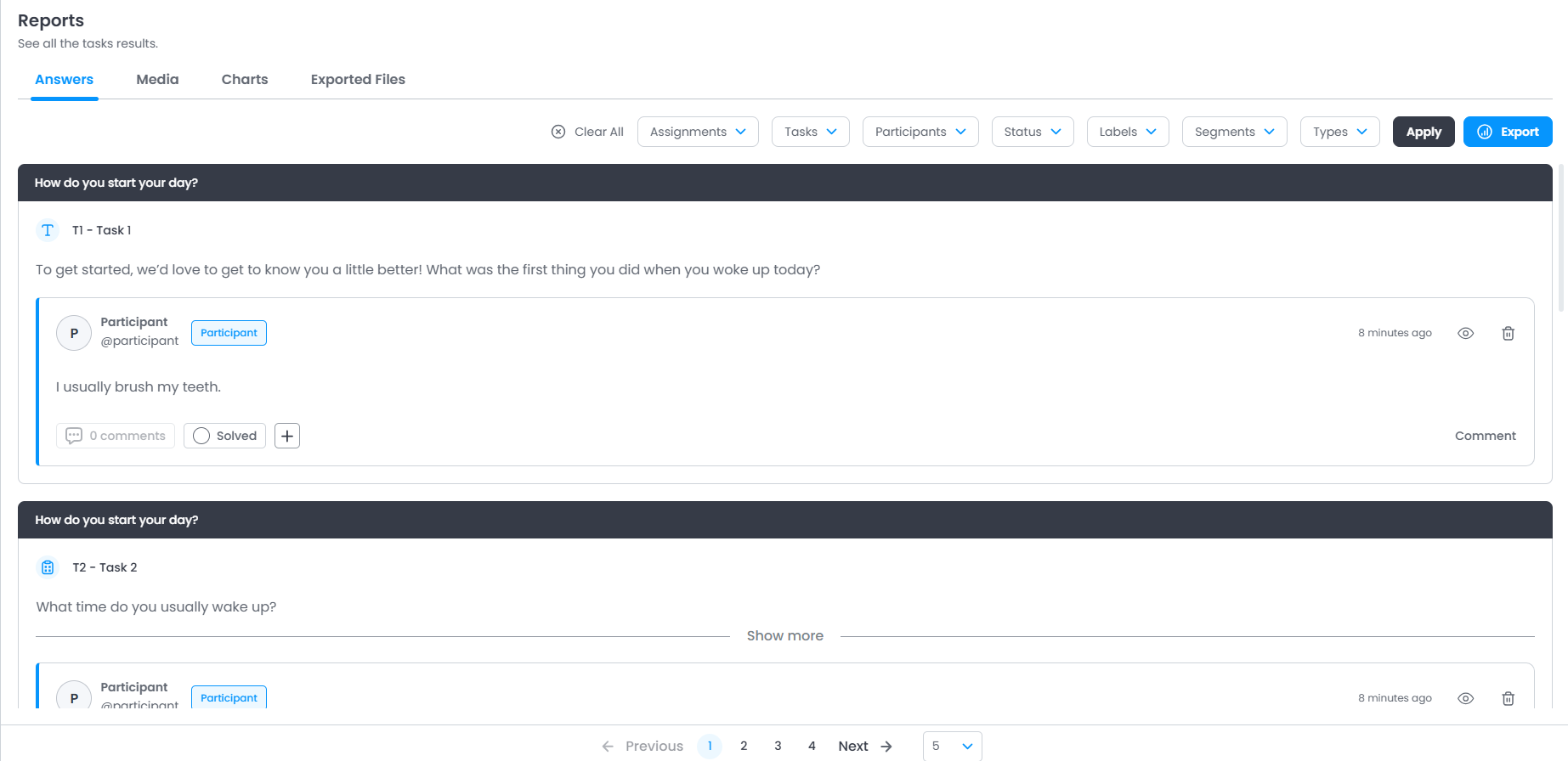
Responses: In this tab, you will find all responses from all participants across all activities/tasks.
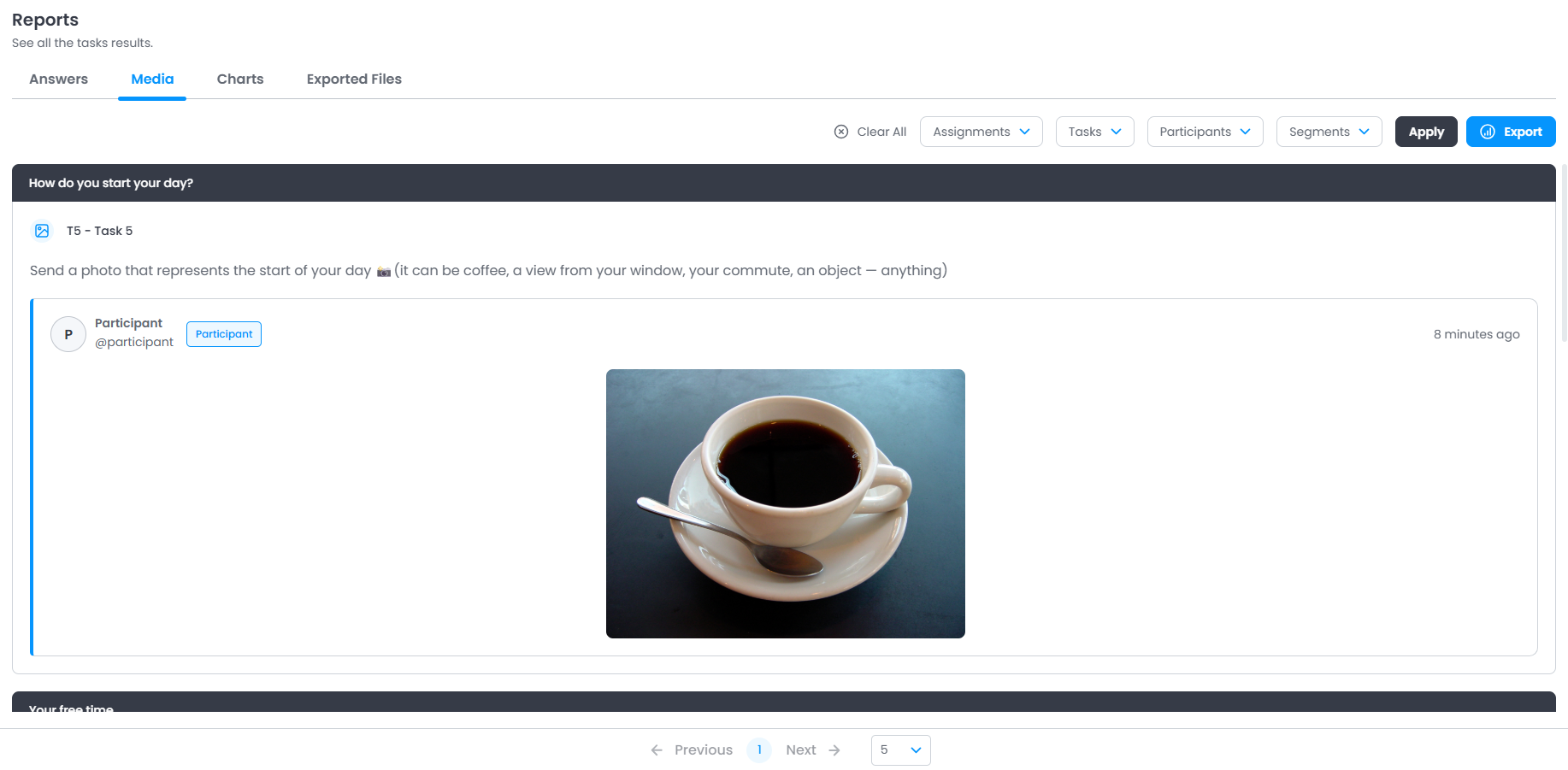
Media: In this tab, you will find all responses submitted in media format (images, videos, audios).
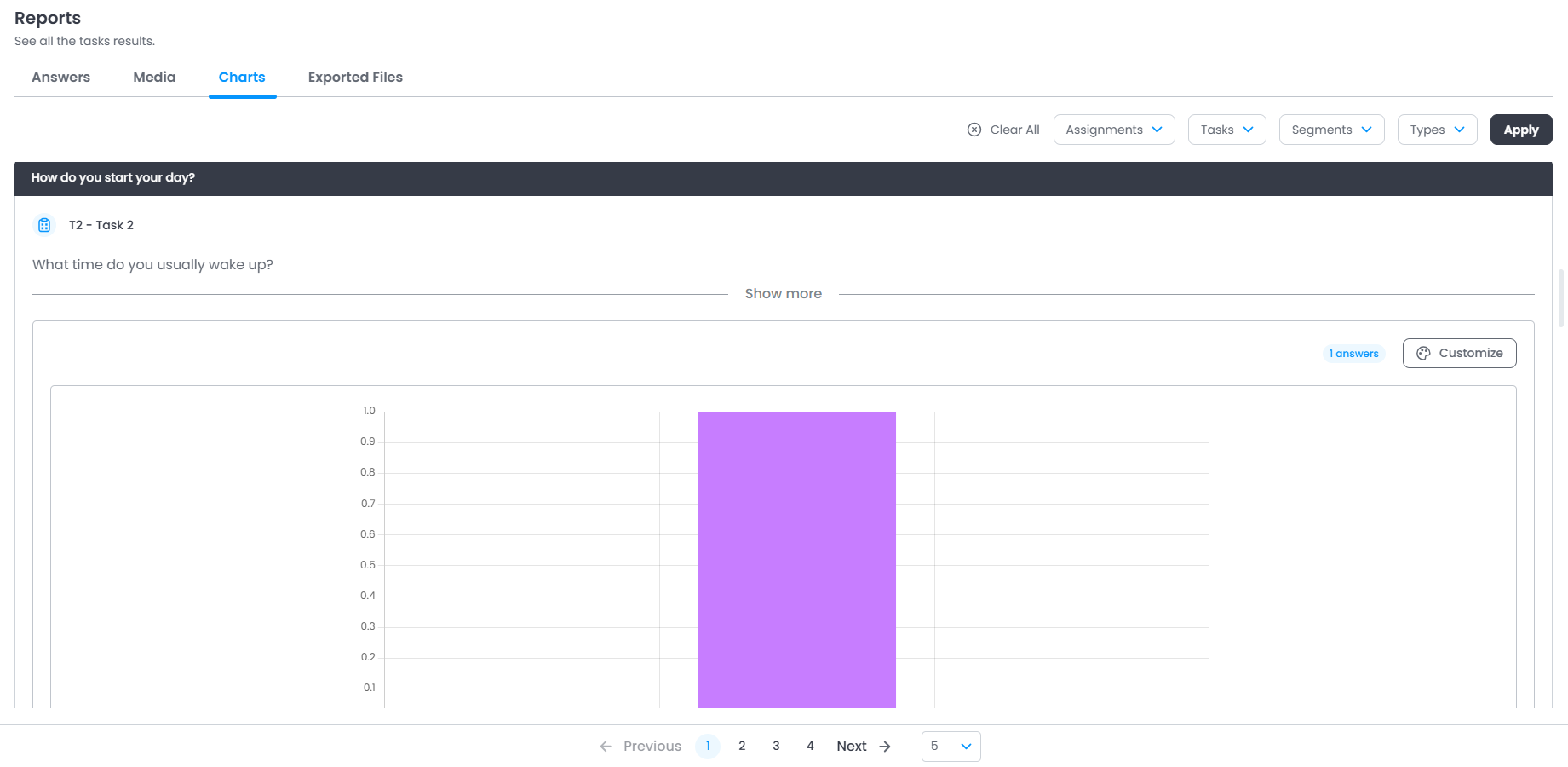
Charts: In this tab, you will find all responses displayed in various types of charts.
Types of Tags and Filters
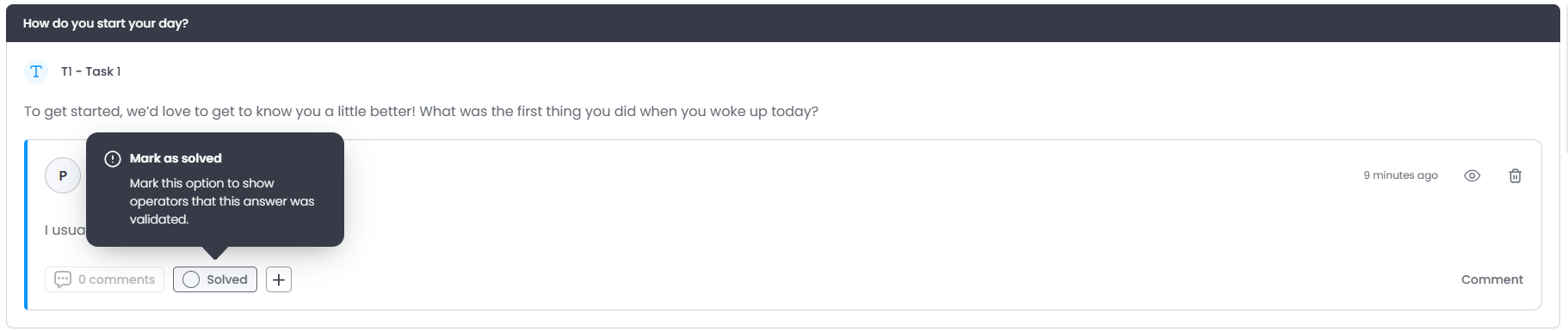
Response Tagging: Responses can be tagged to indicate their status within the analysis. It is possible to mark responses as viewed or resolved, helping with organization and tracking the review process of the responses.
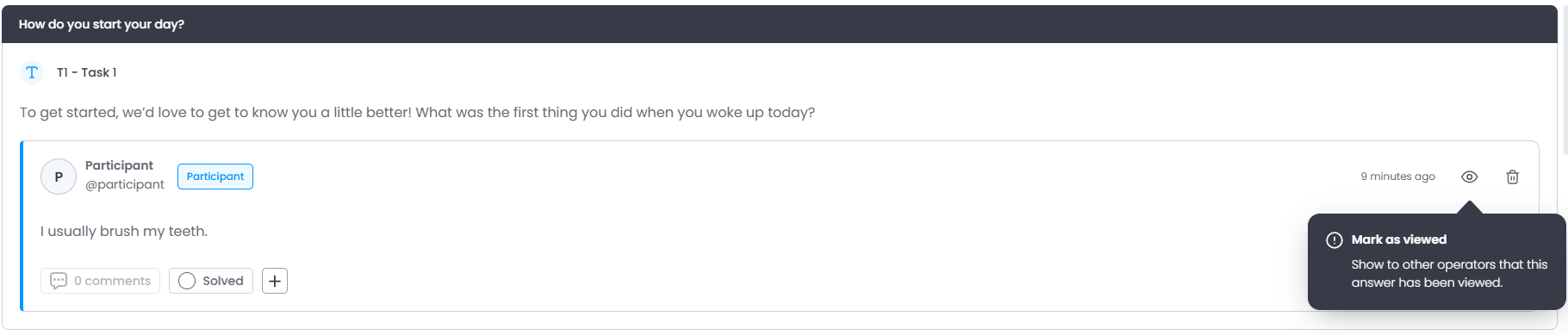
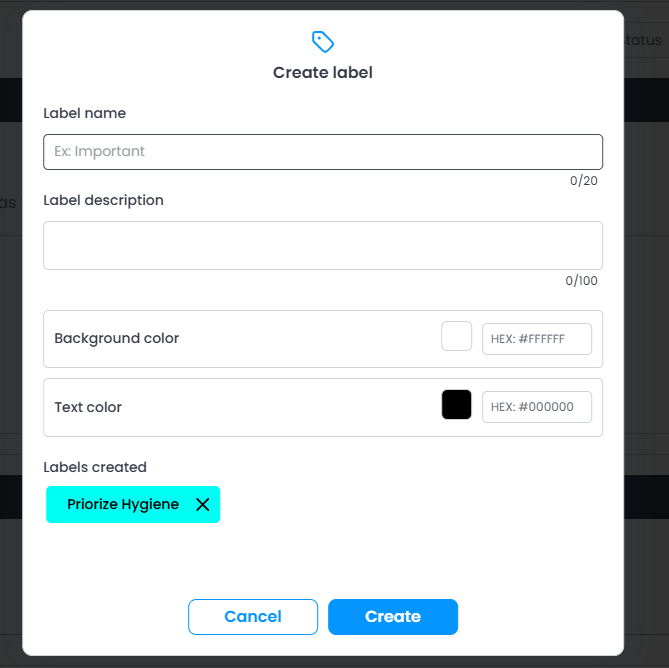
Labels: It is also possible to create labels to classify and organize responses according to criteria defined by the administrator. These labels can be added directly to responses to facilitate their identification and grouping.
Filters: The platform also allows the use of filters to view specific sets of responses. Responses can be filtered by activities, tasks, participants, status, labels, and segments, making it easier to navigate and analyze the collected data.

Was this article helpful?
That’s Great!
Thank you for your feedback
Sorry! We couldn't be helpful
Thank you for your feedback
Feedback sent
We appreciate your effort and will try to fix the article